

Swipe left or right · Select a thumbnail · Tap image to enlarge
Features
Specifications
Reviews
Payment & Security
Payment methods
Complete your payment through our secure checkout. Available payment methods may vary by location, device and order. The options available for your purchase are shown at checkout.
DRIVEVORA · FOR THE CAR YOU LOVE
Jaguar XK / XF Wireless CarPlay Retrofit Interface Box | Denso Gen2.0 / IAM2.0
Save $30 automatically. No discount code needed.
Specifications, compatibility & installation guides
Jaguar XK / XF CarPlay Retrofit Interface Box
This vehicle-specific wireless CarPlay retrofit interface box adds Apple CarPlay and Android Auto to compatible Jaguar XK / XF factory equipment while keeping the original display. Choose the kit matched to Denso Gen2.0 / IAM2.0. Original-system version, screen connections and audio routing must be checked before installation; supported functions depend on your exact vehicle and kit.
Vehicle Compatibility Guide
Jaguar — Models, Years & Factory System
Required original equipment: Single-display Denso Gen2.0 / IAM2.0 only. Match the blue/green AUDIO VIDEO menu with the Jaguar logo at upper right. Working AUX supports full audio. An iPod port plus a separate adapter supports music only (no microphone/calls). Neither AUX nor iPod: not compatible. Internal screen-board installation is required.
| Brand / Model | Model Years | Factory System / Required Fitment |
|---|---|---|
| XF X250 | 2008–2011 | Denso Gen2.0 / IAM2.0 |
| XK X150 | 2007–2013 | Denso Gen2.0 / IAM2.0 |
Wireless CarPlay & Android Auto for your Jaguar factory screen
Add compatible phone navigation and music to your original Jaguar display. Calling and microphone support depend on the audio connection; an iPod-adapter setup is music-only.
Check compatibility before ordering
For compatible Jaguar XK / XF single-display systems only. Not for Land Rover. Match the blue or green factory AUDIO VIDEO interface and the Jaguar logo in the upper-right corner shown below. Model year alone does not confirm compatibility; check your original head unit, screen and connections.

Check your AUX or iPod connection
With a working factory AUX input, the module can output audio through AUX. If your vehicle has an iPod connection but no AUX input, a compatible iPod adapter must be purchased separately and is not included. The iPod adapter setup supports music only; microphone and phone calls are not supported. If your vehicle has neither AUX nor an iPod connection, do not purchase this version.

Wireless phone integration
- Wireless Apple CarPlay and Android Auto with compatible smartphones.
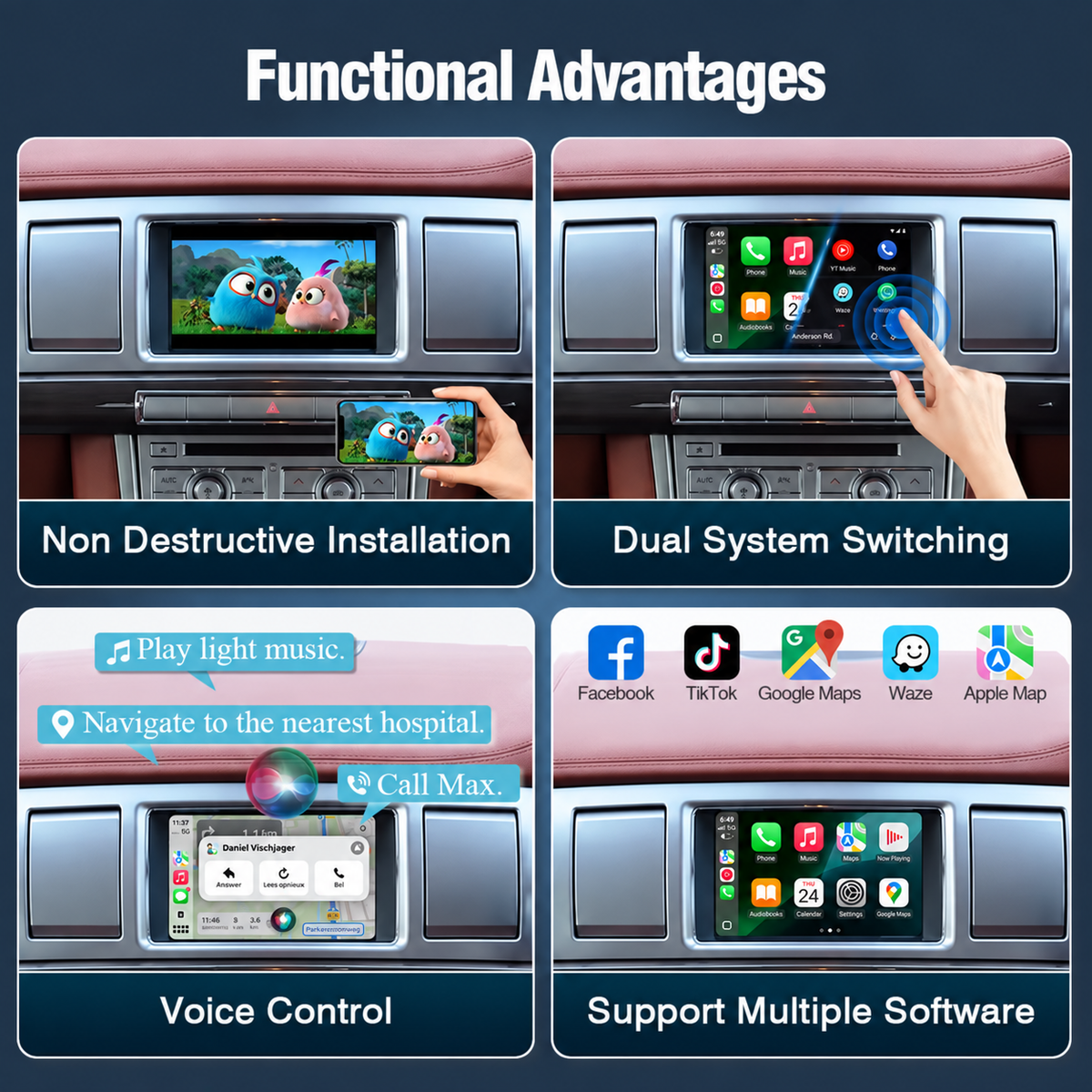
- Use compatible phone apps on the original display. Calling and voice functions depend on the audio setup; they are unavailable through the music-only iPod adapter.
- Voice-assistant operation requires a compatible microphone and audio setup; it is not available with the music-only iPod adapter.
- Steering-wheel and touchscreen operation where supported by the original vehicle equipment.
- AirPlay / Autolink phone mirroring, CarLife and USB flash-drive media support with compatible devices.
- Adjustable audio EQ and access to the original vehicle interface.

Navigation and voice assistance
Use supported phone apps such as Apple Maps, Google Maps and Waze for navigation on your original display. Navigation services and voice assistance depend on your connected phone, app availability and data connection.

Camera and original-function support
Retain compatible original controls, audio functions and factory reversing-camera / parking-radar display where equipped. The interface also supports compatible aftermarket camera connections, including front and rear cameras. PAL / NTSC CVBS and AHD 720p camera support depends on the camera and interface configuration. Cameras, DVR and 360° systems are optional equipment.

Specifications and service
| Item | Details |
|---|---|
| Interface | Jaguar Denso Gen2.0 / IAM2.0 original-screen retrofit module |
| Audio input | Factory AUX, or iPod connection with a separately purchased compatible adapter (music only; no microphone or calls) |
| Video formats | AVI, MKV, MP4, FLV, MPEG, H.264 |
| Audio formats | MP3, WMA, AAC, FLAC, WAV |
| Origin | China |
| Warranty | 1-year warranty |
| Delivery | Estimated delivery: 5–15 days |
| Support | Pre-sales compatibility assistance and installation guidance |
Installation information
Installation requires fitting an interface PCB inside the original screen unit. Professional installation is recommended. Review the supplied installation instructions before starting.
- Power off the vehicle before working on the original screen and connections.
- Fit the interface board and ribbon cables according to the vehicle-specific instructions. Connect the power harness, display cables, microphone, USB and antenna to their corresponding ports.
- Check the DIP settings on the box label. Reconnect the white connector after changing DIP settings.
- Select the appropriate factory audio source for your AUX connection or compatible iPod adapter, pair your phone and test sound, display switching, controls and any connected camera before reassembly. The iPod adapter setup supports music only, with no microphone or phone-call support.
The diagram below provides an installation overview. Follow the instructions and DIP label supplied with your unit for the final setup.

Accessories and fitment assistance

Check the supplied accessory illustration for the module and connection components. Optional cameras and the separate iPod adapter are not included.
For compatibility checks or installation guidance, email drivevora.work@gmail.com with your vehicle model, year, dashboard photo and a photo of the original audio menu.
More product features and details
Product and connection illustrations. Match the selected kit and original equipment; use the compatibility table above for model and year requirements.


Questions, warranty & support
QUESTIONS, ANSWERED
Before your upgrade.
How do I choose the correct configuration?
Select the version matching your original equipment and the compatibility information above. If you need help identifying the correct version, contact us for optional technical help.
Can I install it myself?
Installation depends on the product and your original equipment. Follow the guide supplied with your exact configuration; professional installation is recommended where dashboard access or vehicle wiring is required.
What are the return conditions?
Contact us within 30 days of delivery before returning an item. Change-of-mind items must be unused, with complete accessories and original packaging; the buyer pays return shipping. DRIVEVORA covers return shipping for a quality issue or a wrong item we sent. Read the full return policy.
Support after you order.
One-year warranty
For a fault, send your order number, product details and photos or video to drivevora.work@gmail.com for review and next steps. Warranty support and return eligibility are separate.
Shipping & delivery
Free shipping to supported US addresses. Estimated delivery is 5–15 calendar days after payment. Taxes and delivery availability are confirmed at checkout. Read the shipping policy.
Clear shipping responsibility
Buyer pays non-defect return shipping. DRIVEVORA covers return shipping for a quality issue or a wrong item we sent.
Independent aftermarket accessory. Vehicle and technology names describe compatibility; they do not imply manufacturer affiliation or endorsement.